
DIGITAL WORLD
The Power of Precision
Experience the power of precision with RIEGL USA, your trusted partner for advanced LiDAR solutions. As the North American headquarters of RIEGL, we connect customers with over 45 years of global innovation in high‑performance laser scanning technology.
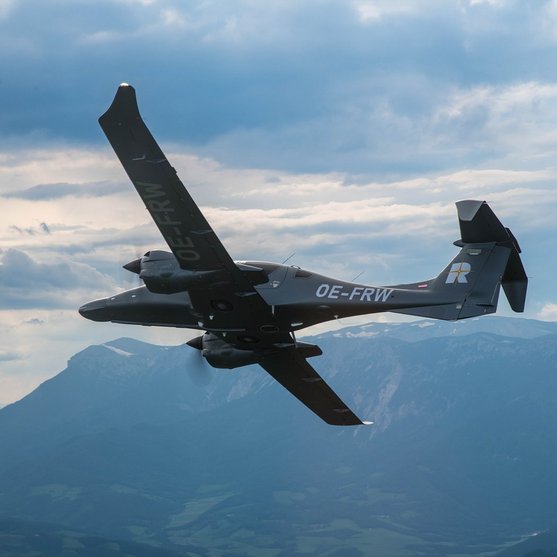
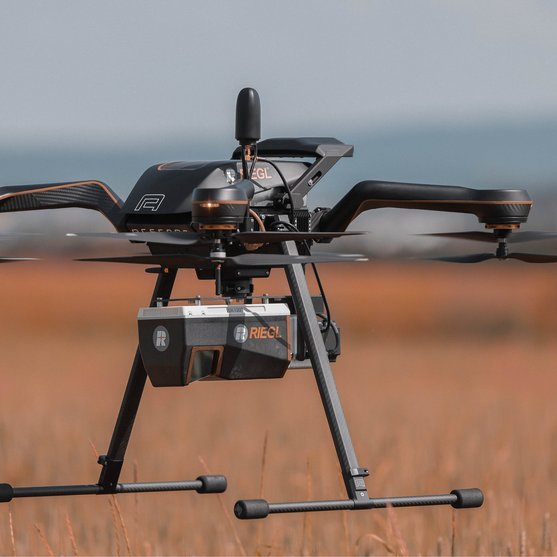
RIEGL’s comprehensive portfolio - spanning airborne, bathymetric, mobile, terrestrial, industrial, and UAV‑based applications - is built on proprietary smart‑waveform technology, delivering exceptional accuracy, reliability, and data quality in every measurement.
RIEGL USA brings this global expertise together with local support. With dedicated teams for sales, training, service, and technical support - along with NDAA‑compliant UAV solutions and CMMC Level 2–compliant operations - we help ensure secure, efficient workflows and confident project execution for U.S. customers.



LIGHT DETECTION & RANGING
LiDAR Technology
LiDAR is a powerful technology for precisely measuring and digitizing the physical world. It plays a vital role in enabling digital solutions across a wide range of industries and aspects of daily life.
Laser scanners capture the surfaces of individual objects or entire landscapes using a dense array of LiDAR measurement points. These points form what is known as a point cloud, which is then processed into a highly detailed and accurate digital 3D representation of the physical world.
RIEGL’s advanced LiDAR sensors provide the foundational high-precision digital data that empowers critical decisions and drives innovation across a wide range of industries. Whether deployed in the air, on the ground, or over water, RIEGL is at the forefront of digital transformation—enabling smarter workflows, deeper insights, and meaningful impact in how we measure, model, and manage the world.
EXPLORE
Product Segments

Terrestrial Scanning

Mobile Scanning

Airborne Scanning

UAV-based Scanning

Bathymetric Scanning

Industrial Solutions
Not sure which product is right for you? Find the right product for your application with our

EXPLORE
Field of Application

Natural Resources & Sustainability

Coastline & Shallow Water Survey

Cartography & Wide Area Mapping

AEC, BIM & Preservation

Mining & Monitoring

Energy Utilities

Rail, Roads & Urban Infrastructure
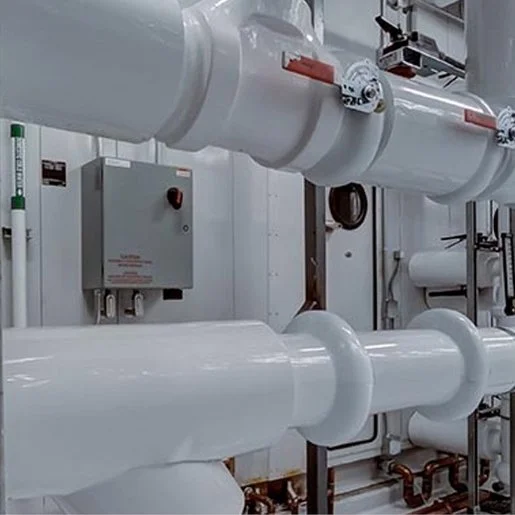
Industry & Automation

Public Safety & Emergency Mgmt.
Not sure which product is right for you? Find the right product for your application with our
NEWSROOM
RIEGL News & Insights
This is the place for news, backgrounds, insights into our work and much more from the world of RIEGL.


LET'S MEET
Upcoming Events
Join us at the following events. We looking forward to meeting you.


CONTACT & SUPPORT
Your Worldwide Partners
Do you have any questions, requests or suggestions? We are here for you worldwide!
Please contact your RIEGL headquarters or subsidiary – they will be happy to answer your questions!

- RIEGL Headquarters
- RIEGL Subsidiaries
- RIEGL Distributors
RIEGL Sales
All you need to know about our products or any other RIEGL solution - our Sales Team is taking your questions:
RIEGL Support
In case of technical support issues please contact our RIEGL Support Team and follow the RIEGL Support Instructions:
RIEGL Marketing
Any questions regarding marketing or required material. Our Marketing Team is looking forward to hearing from you: